Get more bookings from Google: a Business Profile checklist
Your Google Business Profile is often the first thing clients see. Ten minutes with this checklist turns searches into bookings.
On this page
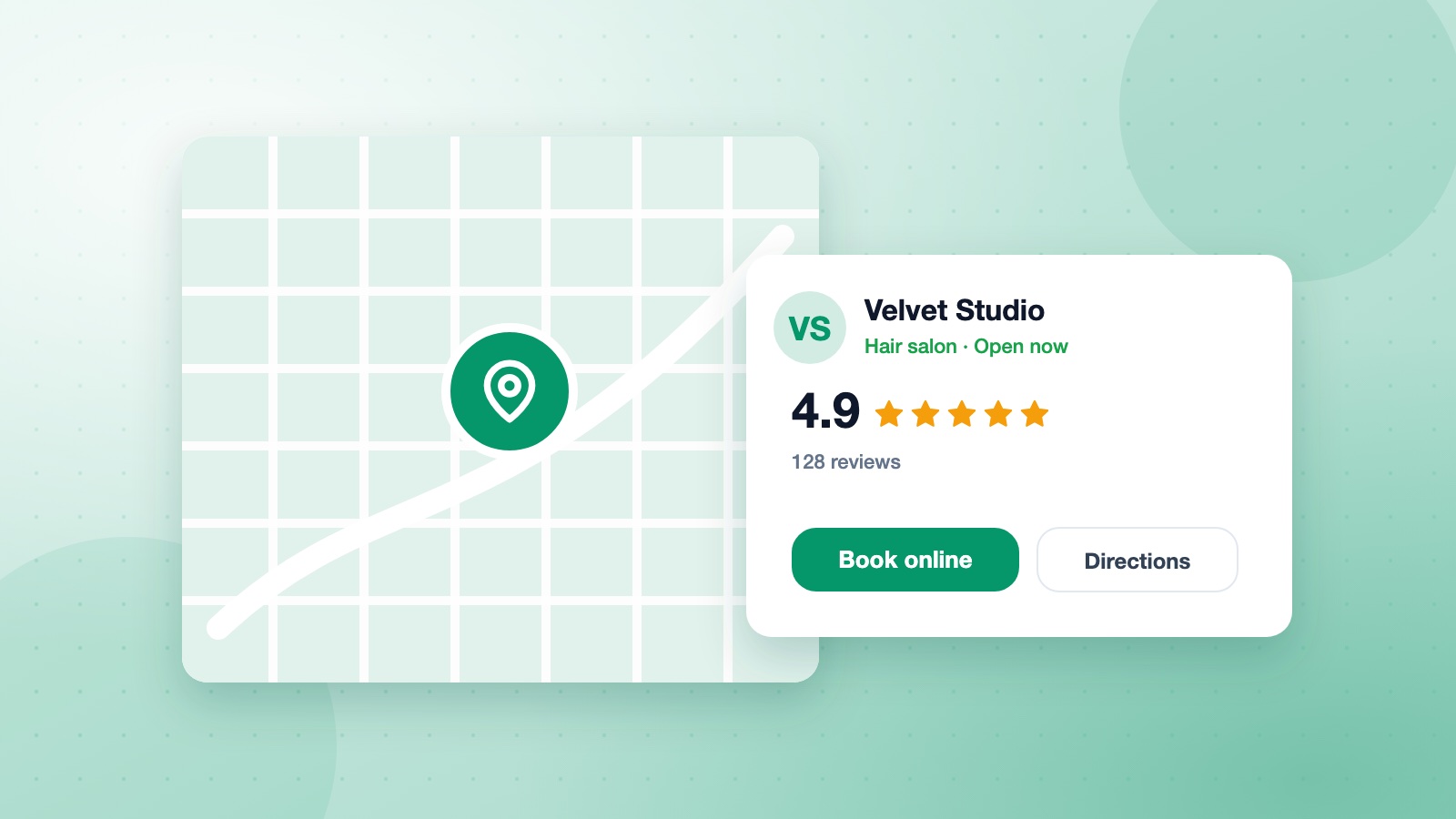
When someone searches for "massage near me" or "dentist open Saturday", Google shows a map and a few business profiles. A complete, active profile is one of the cheapest ways to win new clients.
The basics, done properly
- Name, address and phone exactly as on your website.
- Main category that describes what you do, plus a few secondary ones.
- Opening hours, including holidays.
Add your booking link
Put your booking page in the website and appointment fields. Clients who find you on Google can then book in a couple of taps without calling.
Photos that sell
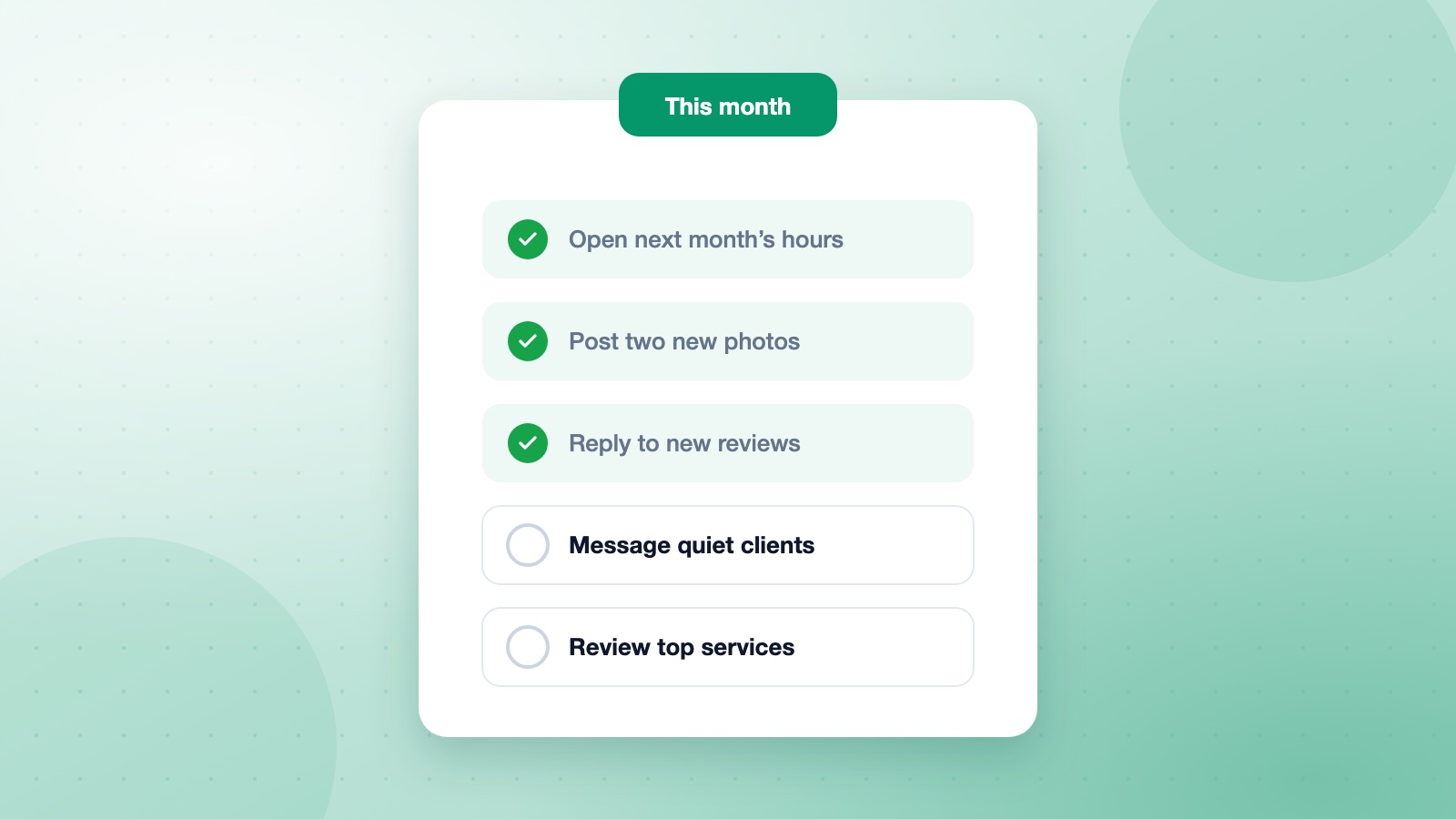
Add a clear logo, a cover photo, your space, your team and examples of your work. Fresh photos every month signal an active business.
Reviews: ask, answer, repeat
Ask happy clients for a review after their visit, and reply to every review, good or bad, politely and briefly.
Frequently asked questions
How long until my profile shows up?
New profiles usually need verification first, which can take a few days. Changes to an existing profile often appear within a day.
Do posts on my profile help?
They keep your profile fresh and give searchers a reason to choose you: share offers, new services and openings.
Should I respond to negative reviews?
Yes, calmly and helpfully. Future clients read your reply as much as the review.